New releases
New features and fixes in the Glasspage editor, newest first. Request a feature to help improve Glasspage for everyone.
Task Race, the first Glasspage game
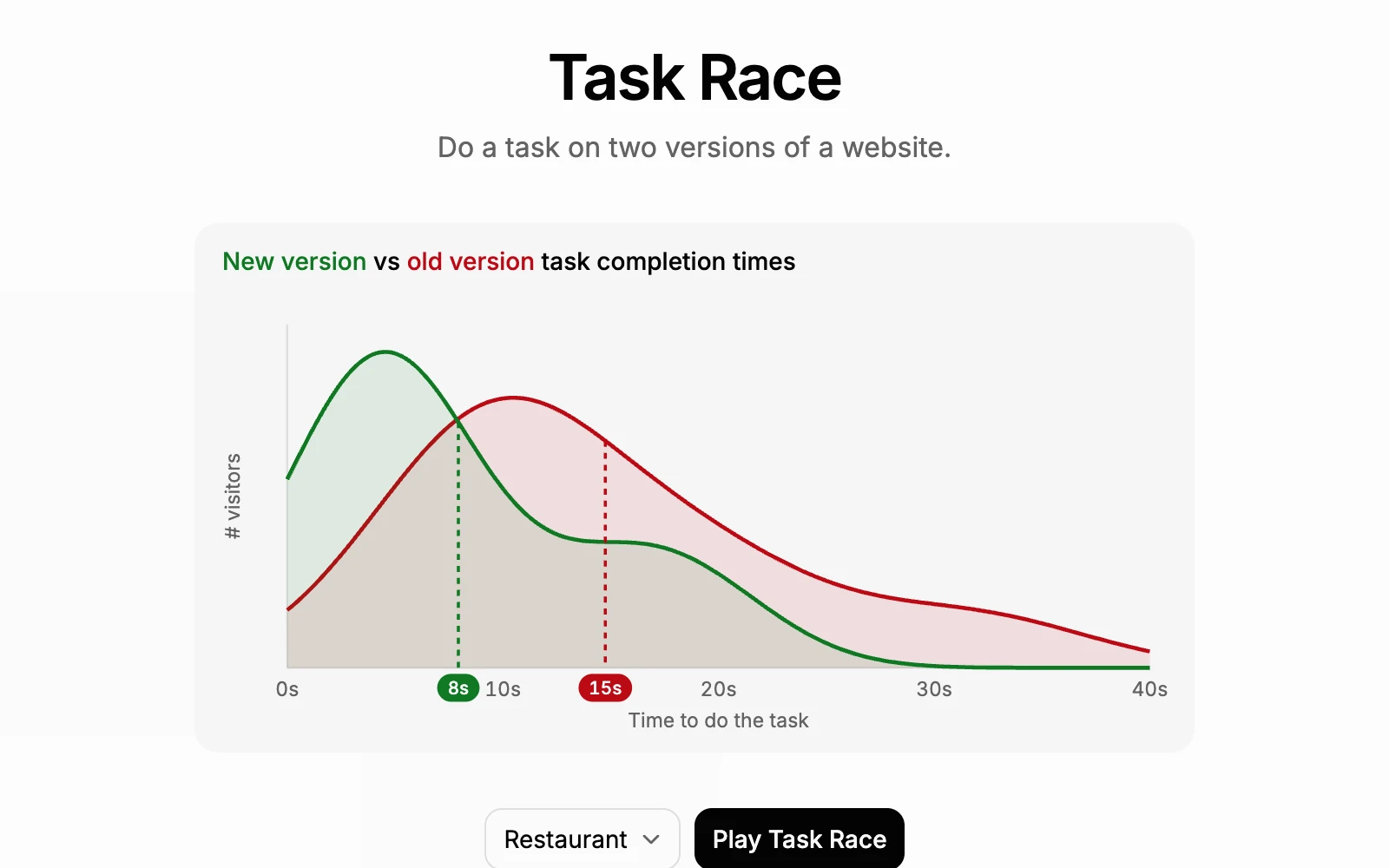
Task Race times you on one task, on two versions of the same website. The first version is an old restaurant site, with a PDF menu, a pop-up and small links. The second version is a clear one. Your task is to open the restaurant's menu. When you finish, a chart shows your two times among the times of every other player. Move your pointer over the chart to see the rank for any time. After 10 players finish, you also see your own rank. We record only your times. We do not record your name, your email or your IP address. Play it at glasspage.studio/games/task-race.
The Tutorial library
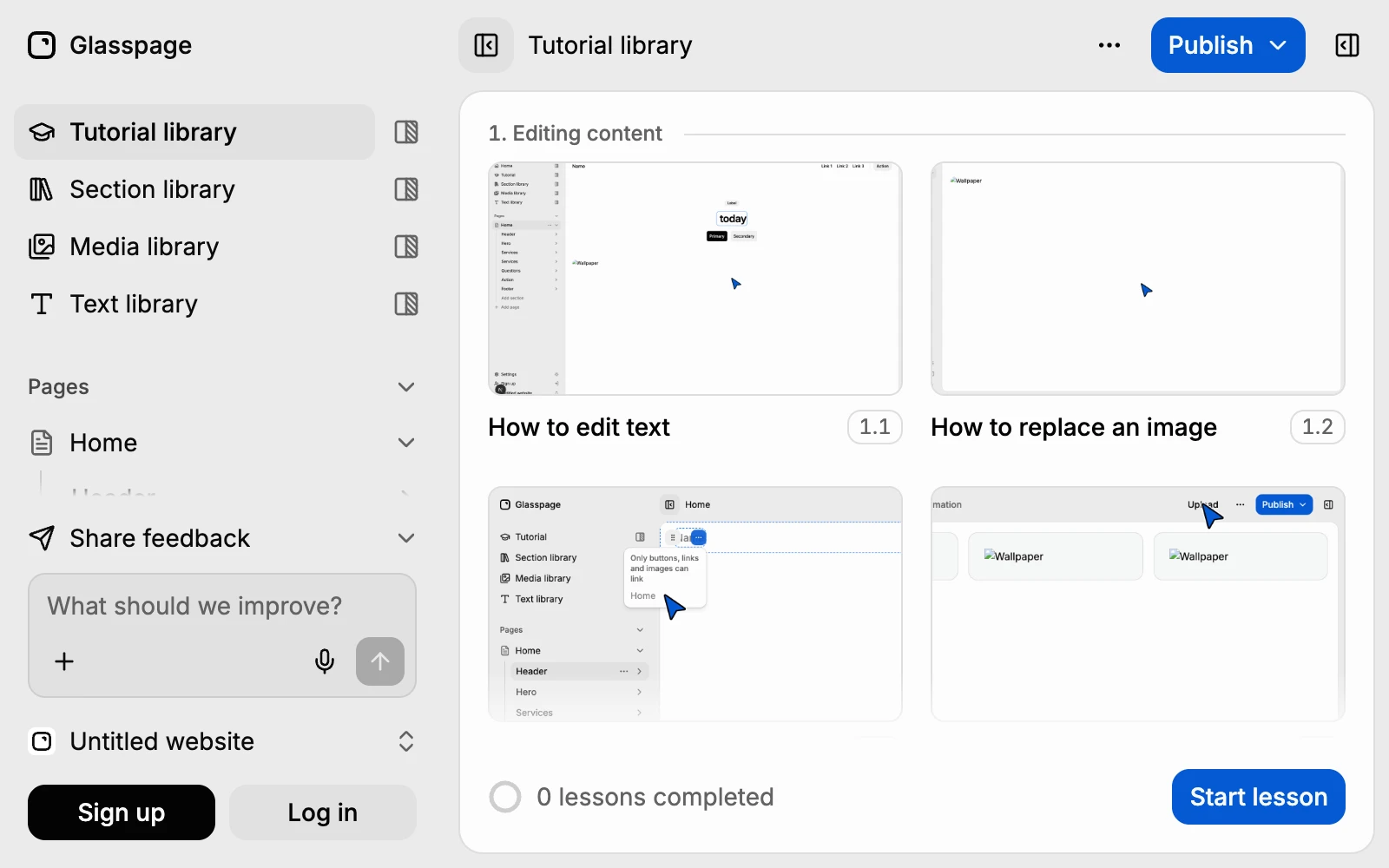
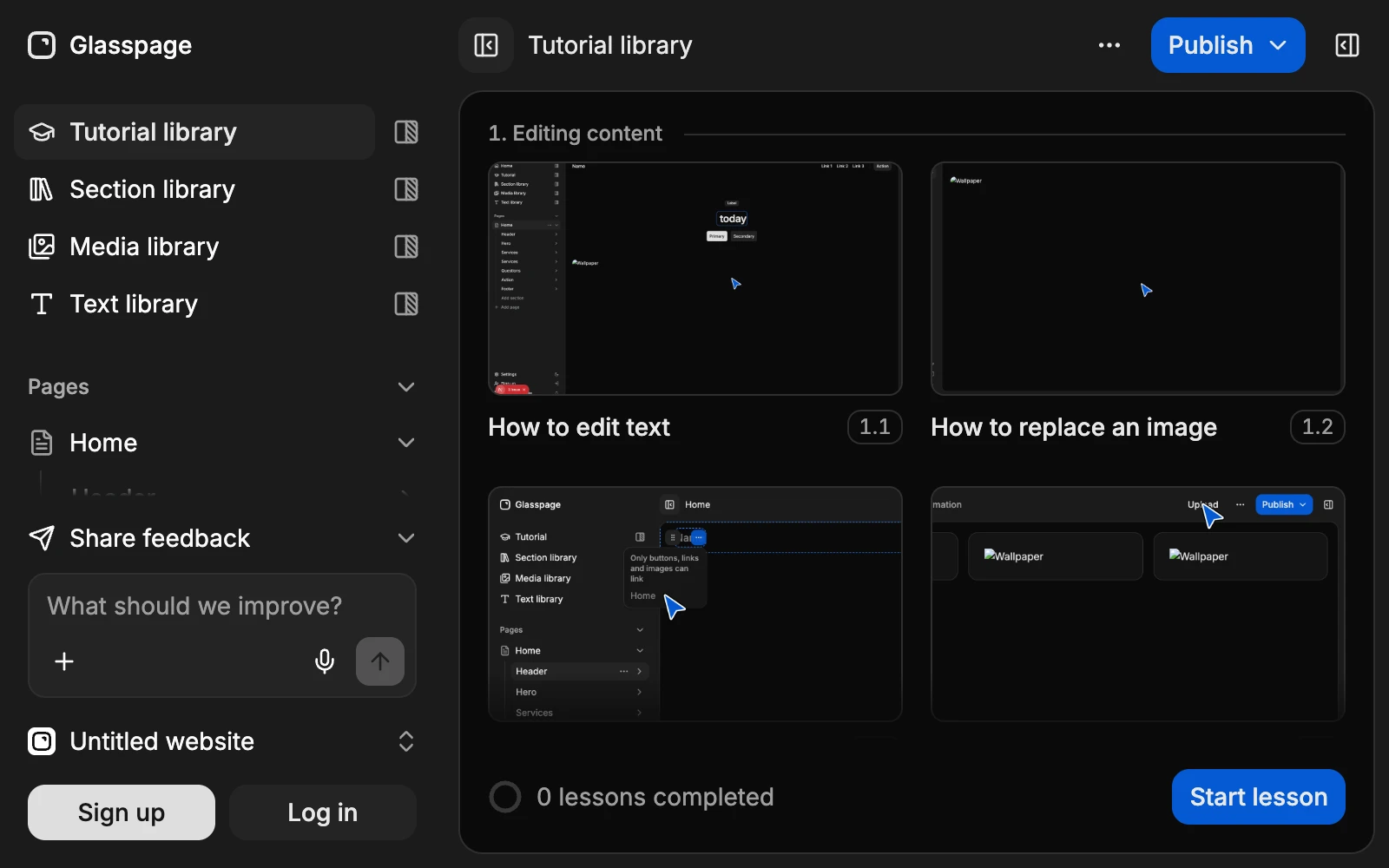
The tutorial is now a library. Open Tutorial library in the sidebar to see every lesson as a card, grouped by topic, with a picture of what it teaches. Pick any lesson you want, in any order. Lessons run a topic at a time. Finish the last lesson in a topic and you're back in the library, at the next topic. Lessons you've finished are ticked and faded, so what's left stands out. The ring at the bottom shows how far you've got. Hover or click it to see how many lessons are completed, in progress, or not started.
Dictation in the AI chat and Share feedback
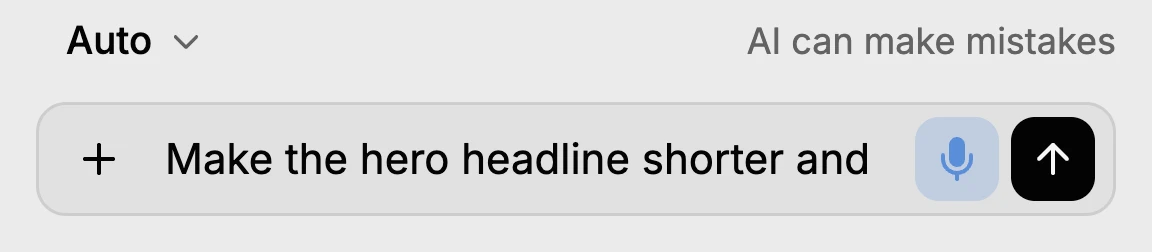
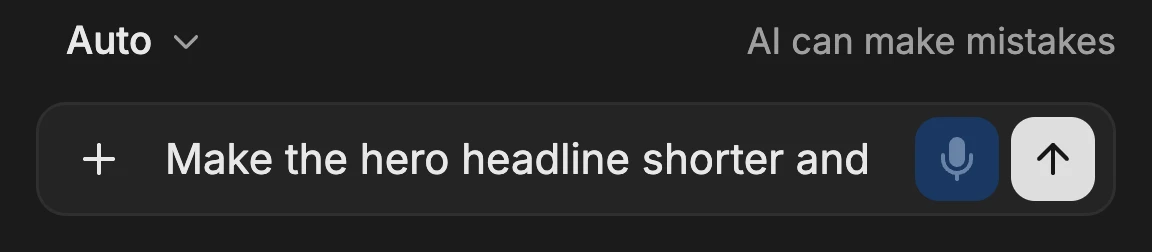
You can now talk instead of type. Click the mic beside Send in the AI chat or in Share feedback, and say what you want. Your words appear in the box as you speak. While it's listening, the mic turns blue. Click it again, pause, or start typing to stop. Your browser asks for the microphone the first time. Dictation uses your browser's own speech recognition, so it works in Chrome, Edge and Safari. In browsers without it, such as Firefox, the mic doesn't show.
Share feedback, with screenshots
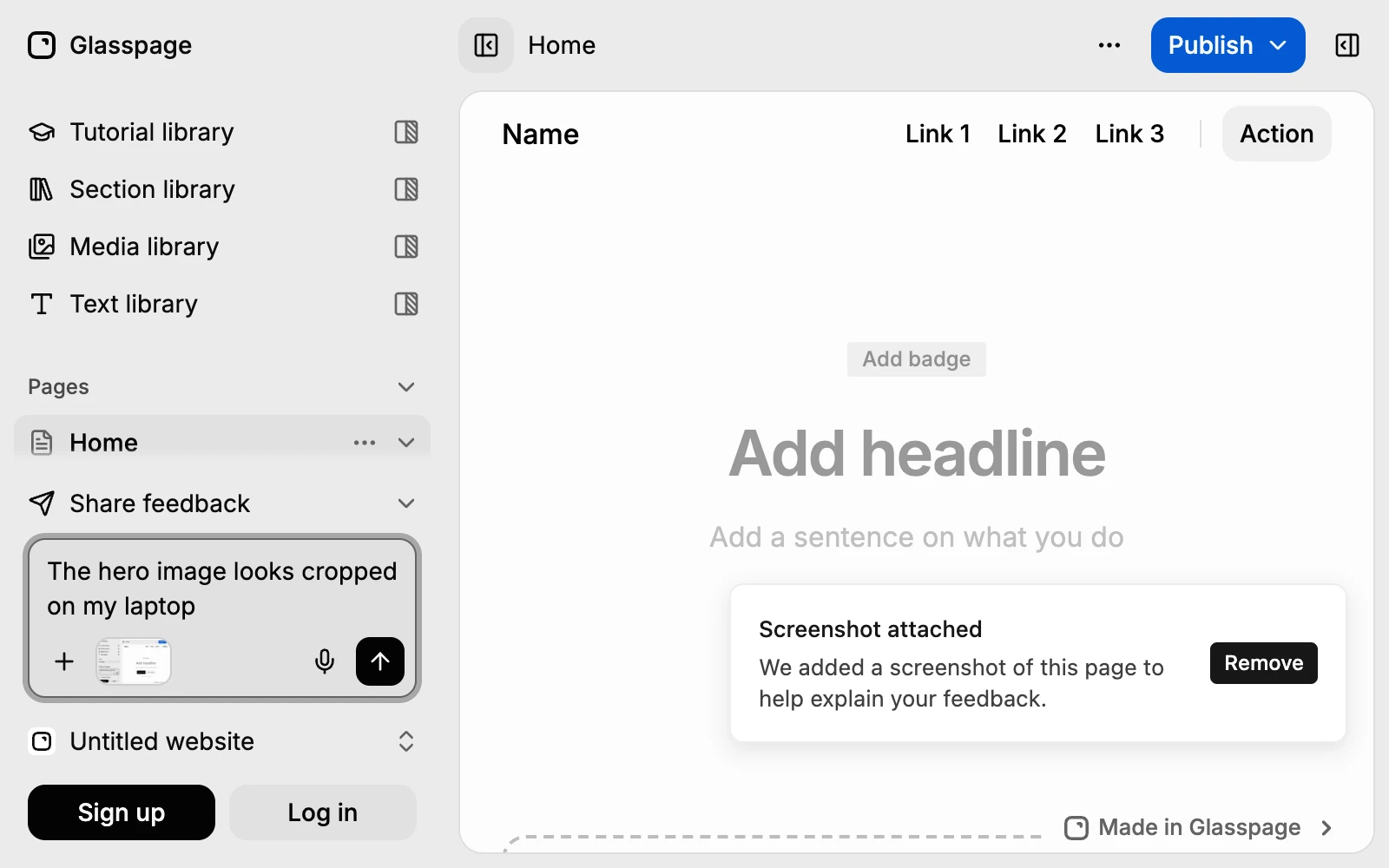
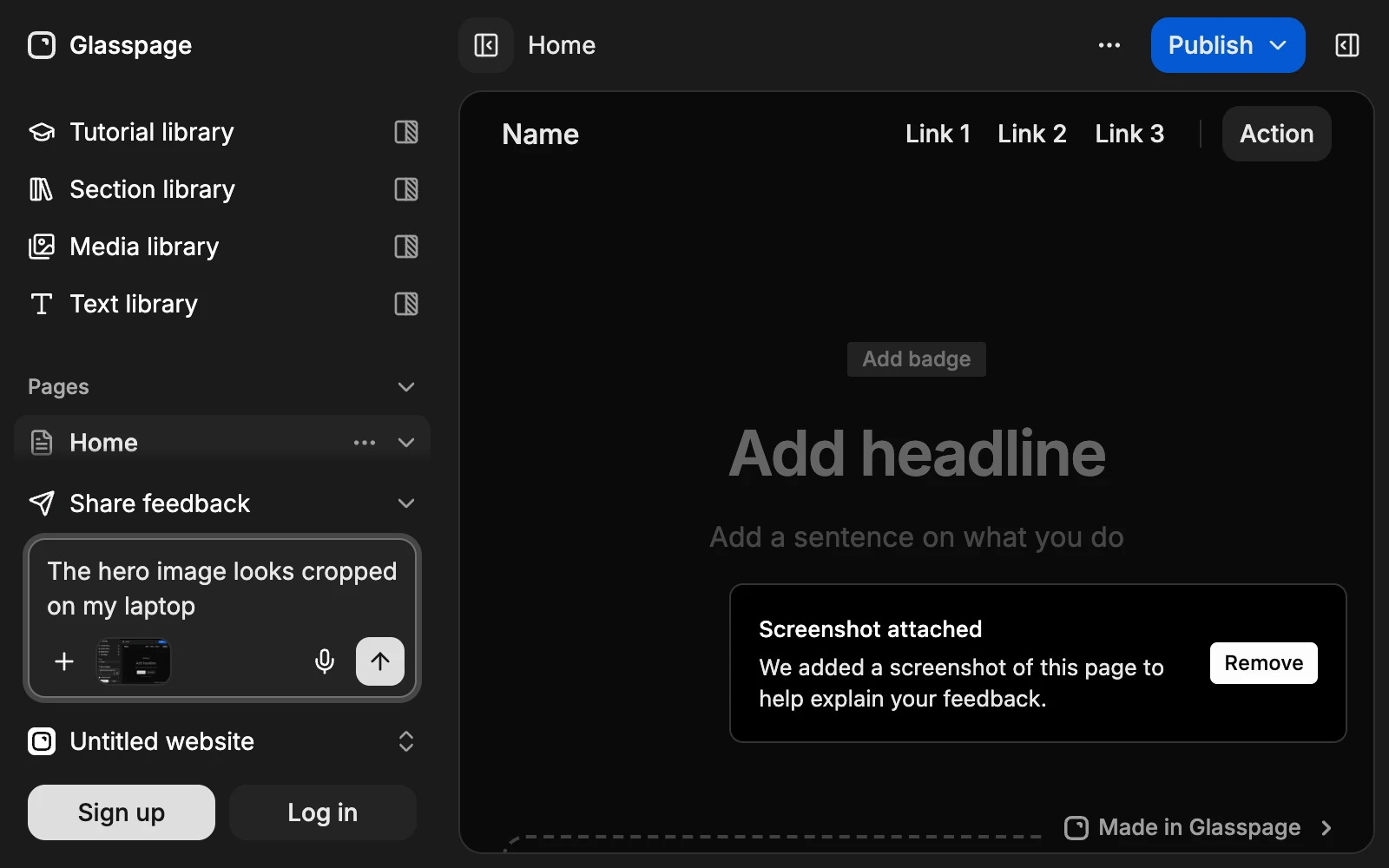
You can now send feedback from inside the editor. Open Share feedback at the bottom of the sidebar, write what's wrong or missing, and send it. When you click into the box, Glasspage attaches a screenshot of the page you're on, so we can see what you mean. Don't want to send it? Click the thumbnail to remove it. You can attach files too. Drop them on the box, paste them, or use the plus menu. Up to 10 files and 4MB in all. Every message comes straight to Ethan, who reads them all. Press Cmd+Enter to send.
Images that fit any section, and buttons that link anywhere
Sections no longer come in fixed photo layouts. Add one image or six, and the section arranges them to fit, keeping each photo's shape. Buttons, nav links and images can now link to pages outside your site. Open Link to, choose External page, and paste the address. Visitors get it in a new tab, so your site stays open.
Sign in, publish, and run several sites
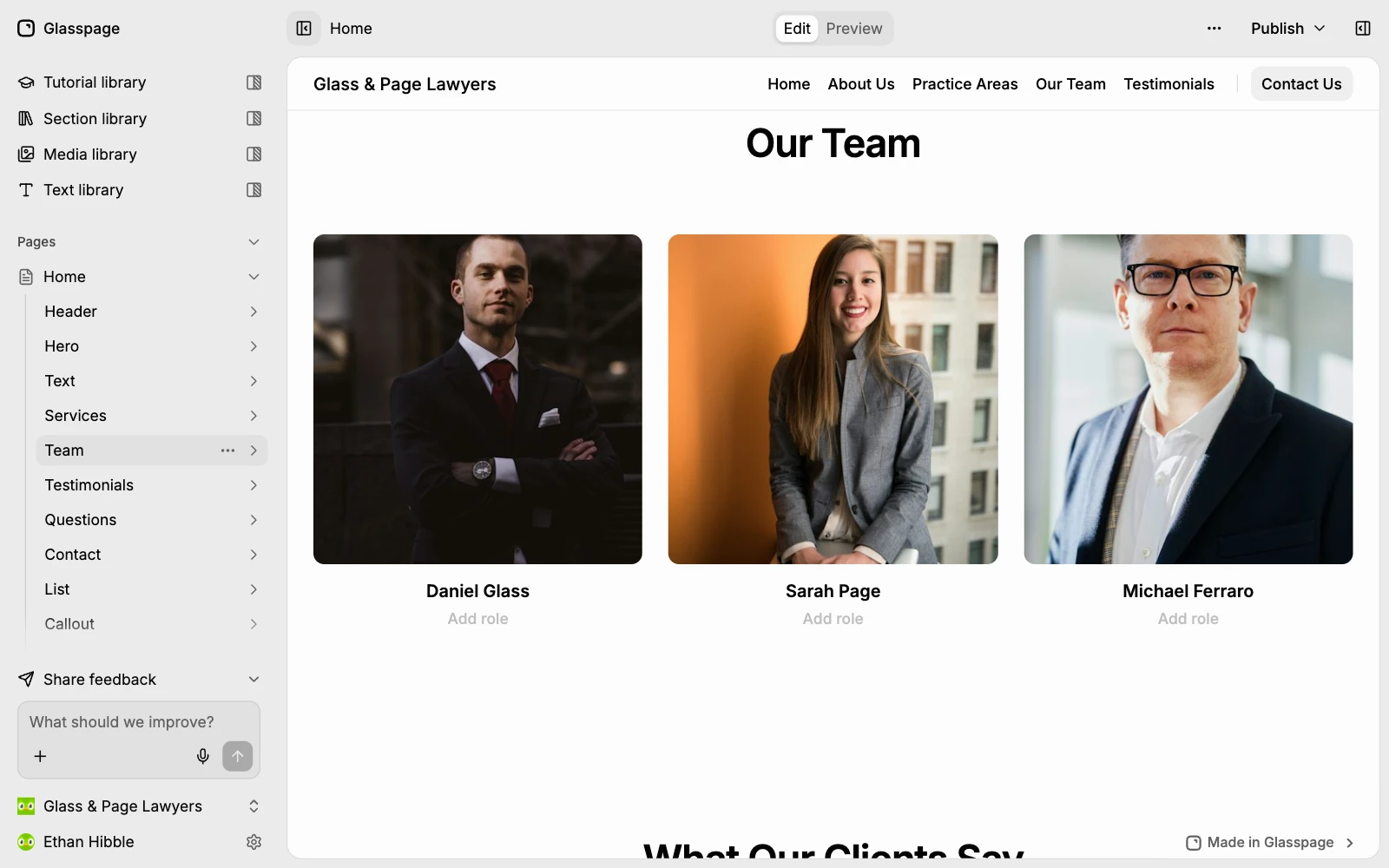
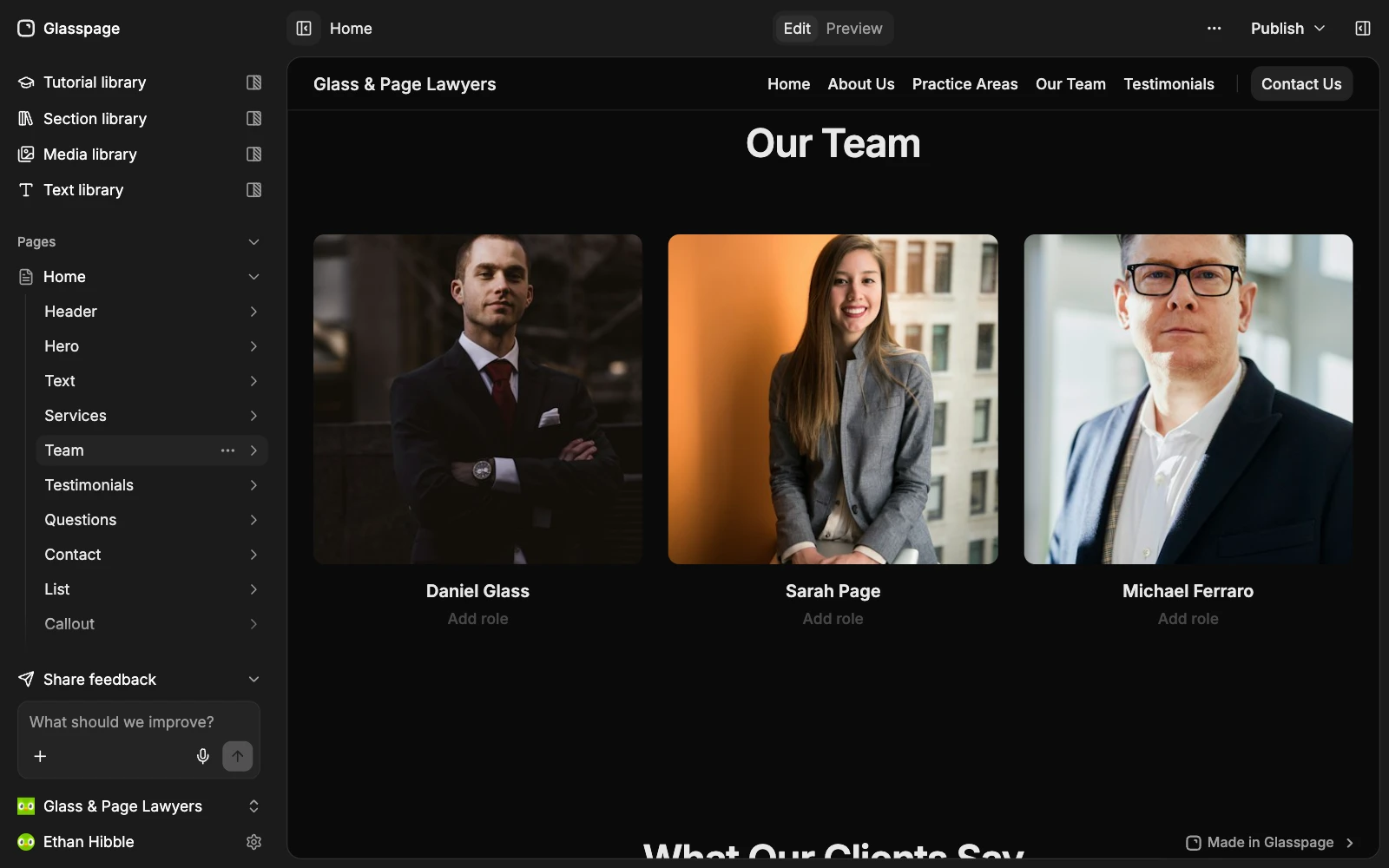
Glasspage now has accounts. Sign in with Google, and your sites are yours, saved as you work. When a page is ready, click Publish. Visitors see that published version while you keep editing, and nothing changes for them until you publish again. Have more than one business? Create another site and switch between them from the site menu at the bottom of the sidebar.
Drag to build, undo to fix
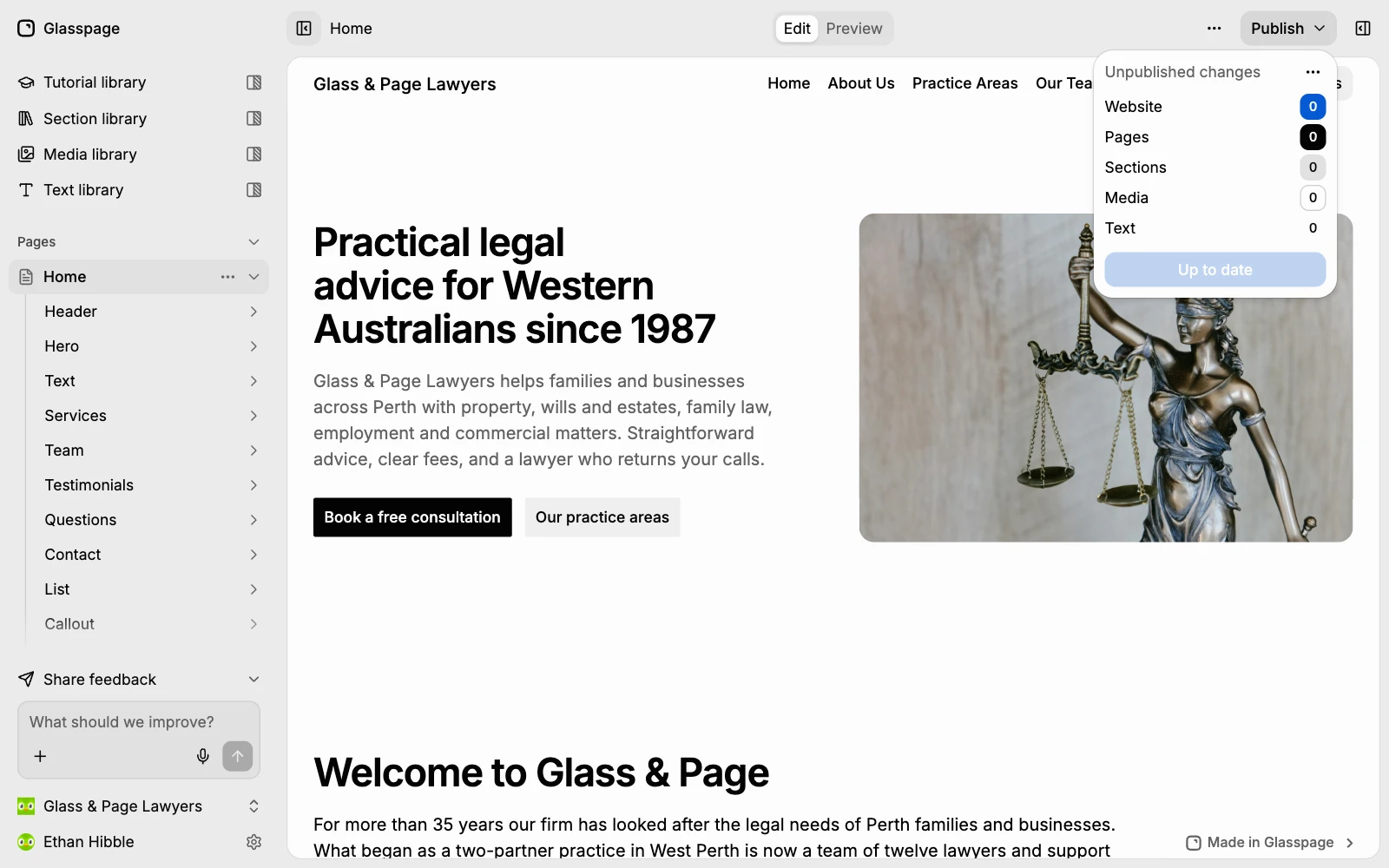
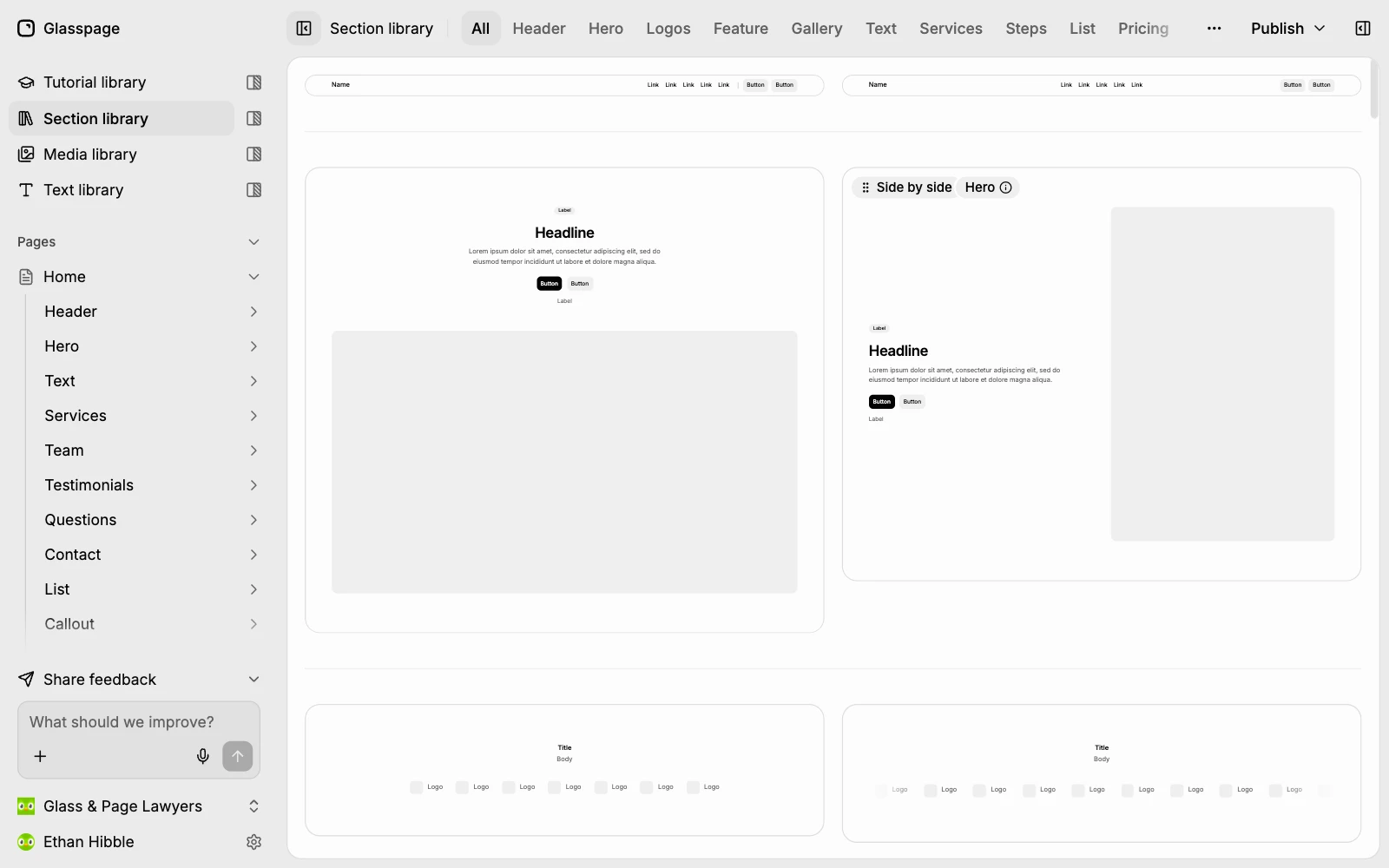
Drag a design from the Section library onto the page to add a section, or drop it on an existing section to restyle it. Drag sections up and down to reorder them. Changed your mind? Undo and redo work across the editor, with Cmd+Z and Shift+Cmd+Z.
Text and Media libraries, side by side
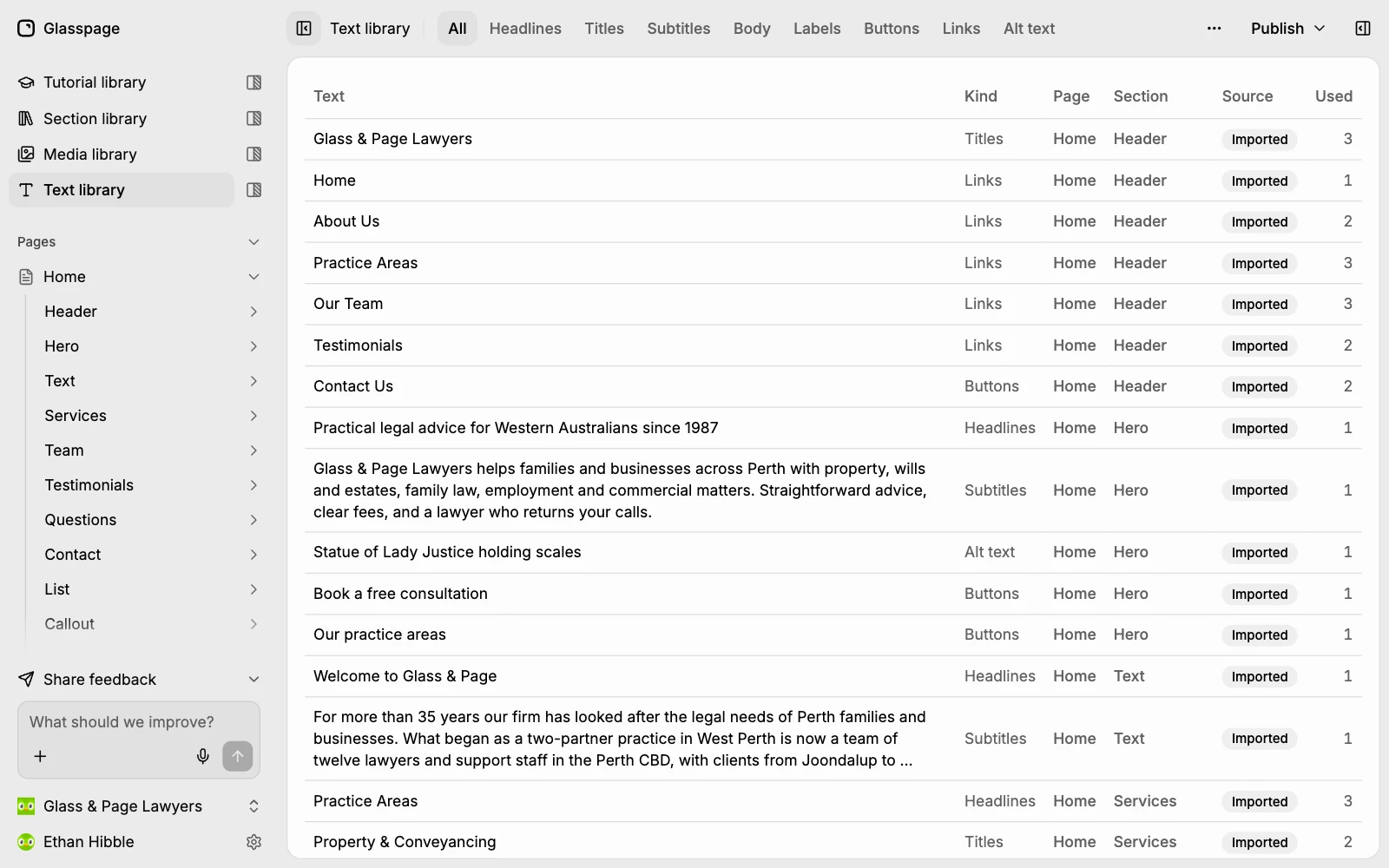
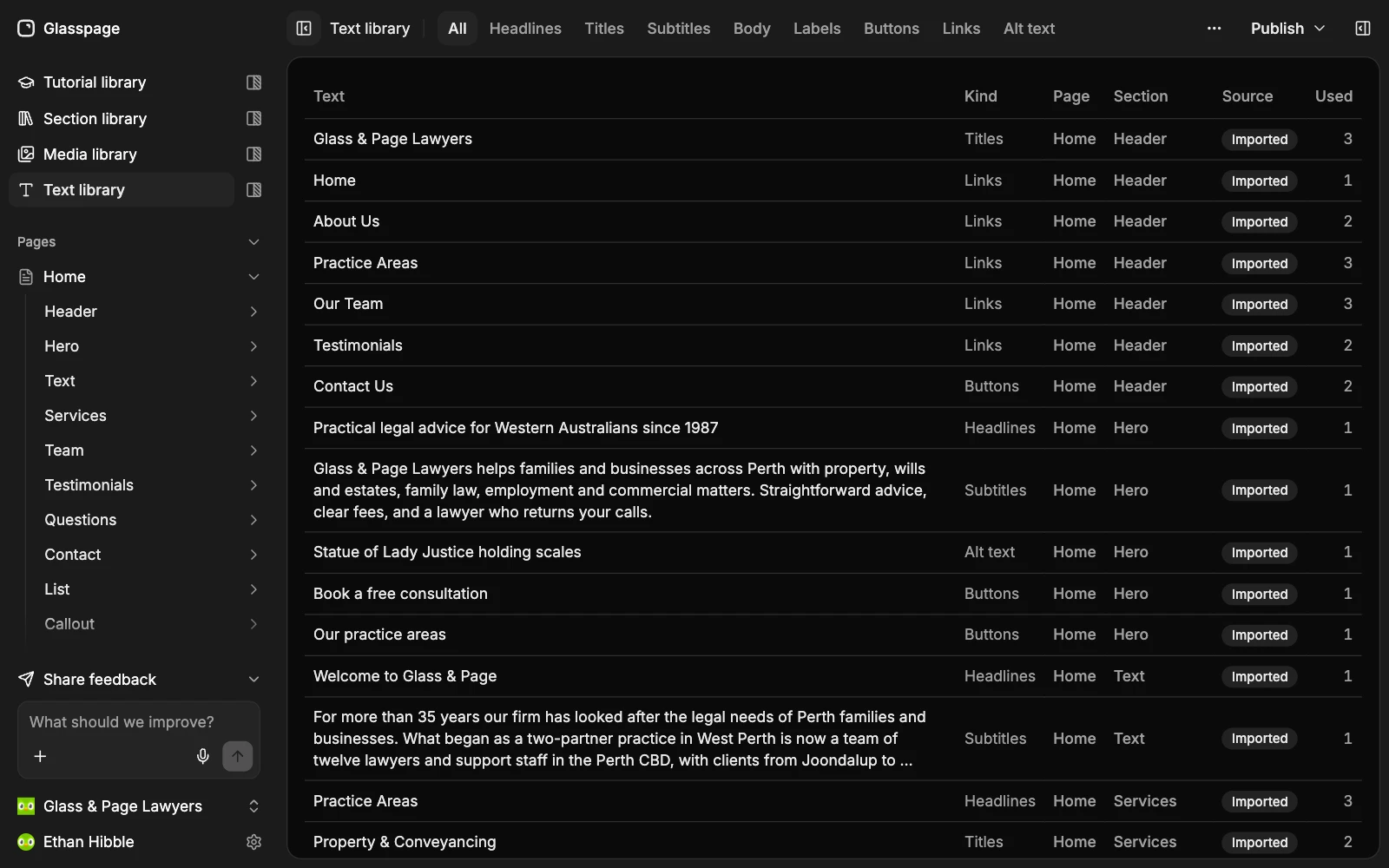
Every headline, link and image on your site now lives in one place. The Text library holds your copy and links, and the Media library holds your photos and visuals. Either one opens as a side page next to the editor, so you can find something and use it without losing your place.
Seven new section types
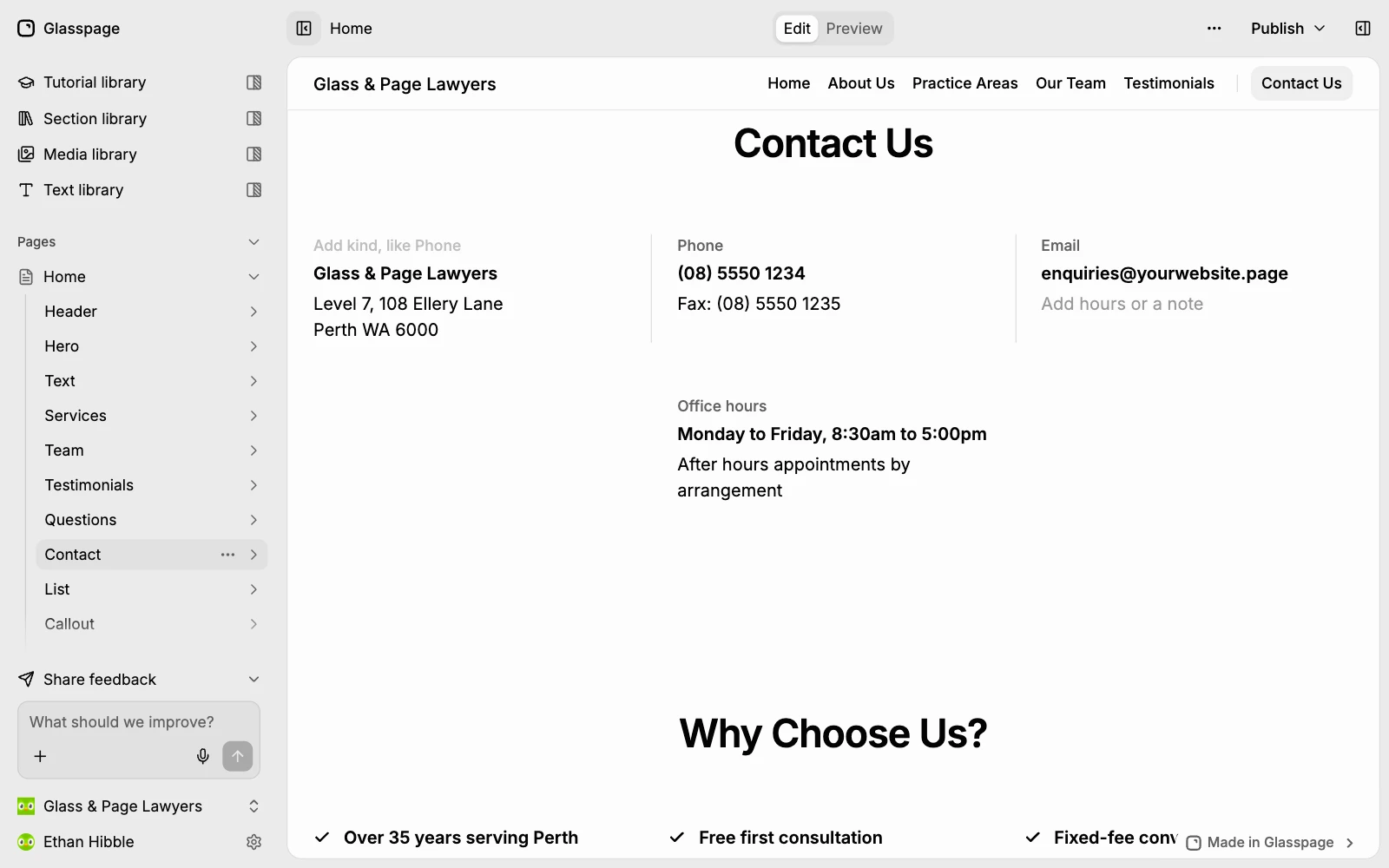
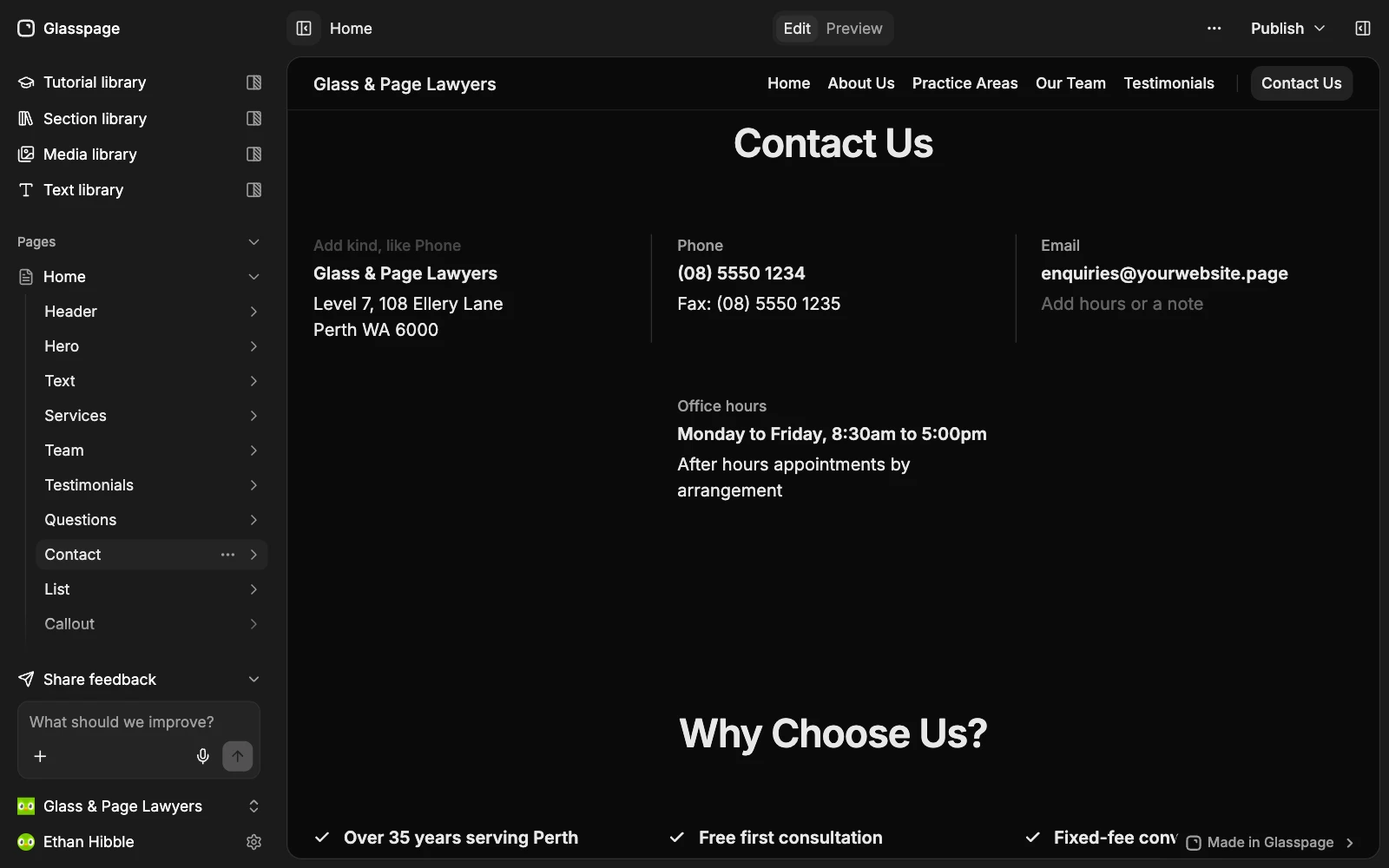
Pages can now include Pricing, Team, Gallery, Stats, Steps, Contact and Callout sections. Each has designs that fit your site's style. We also redesigned the hero, services, testimonials and call to action designs.
Glasspage AI builds pages for you
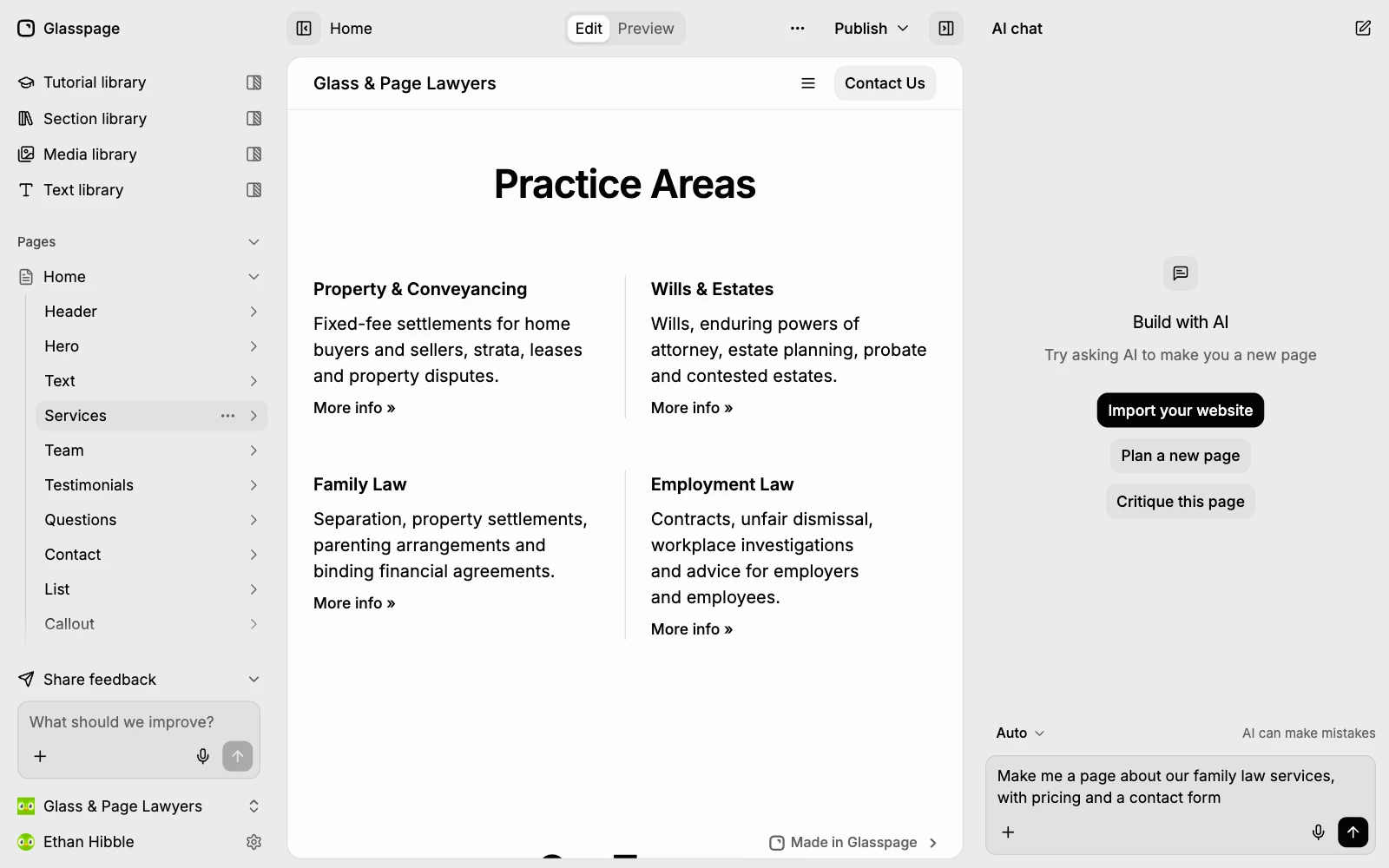
Describe a page in the AI chat and Glasspage writes it, section by section. Ask it to change copy, swap a design or add a section. You can also bring in content you already have. Paste a link, confirm you have the rights to use it, and Glasspage imports it. The Add page menu starts a page from a template or a web address too.